Sws101_flippedclass2
Topic: Hack The Box : Starting Point
Introduction
Hack The Box is the hacking playground and cybersecurity community in the world founded by Haris Pylarinos. Its Starting Point machines serve as an excellent entry point for beginners which makes us understand the basics of penetration testing. I am a beginner to cyber security and chose to start from the starting point machine. Starting points consist of 3 tier(tier0, tier1 and tier 2), in this journal i will be going through tier0 and tier1. Note that to answer the challenges under each tier, we need to connect to the hack the box VPN.
TIER 0 (The key is a strong foundation)
From tier 0, I have gained essential skills in pen-testing. I learned how to connect to various services, such as ftp, smb and telnet anonymously. I also learned how to use nmap to identify open ports. In this tier there are many virtual machines but some are locked and can only be answered by purchasing premium. So the virtual machines that I will be going through in this tier are Meow, Fawn, Dancing and Redeemer.
1. Meow
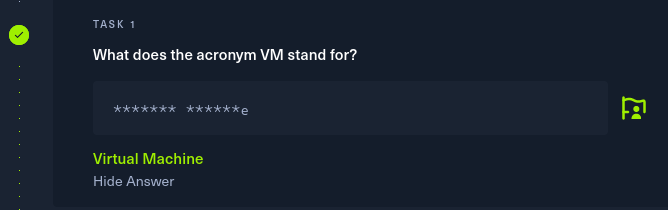
Task 1
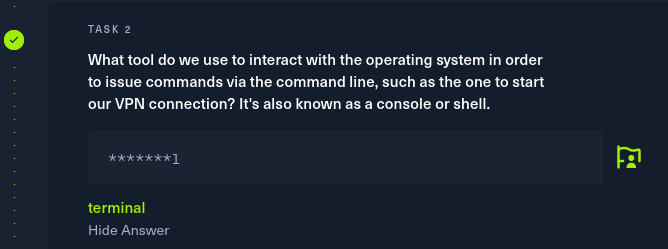
Task 2
Task 3
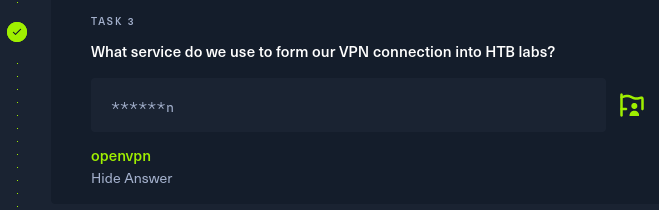
As mentioned above, we need to form a VPN connection into HTB labs. To do so we need to use the openvpn service followed by /path/to VPN that we downloaded from hack the box.
Command : sudo openvpn /home/tshering/Downloads/starting_point_emptyboxInside.ovpn
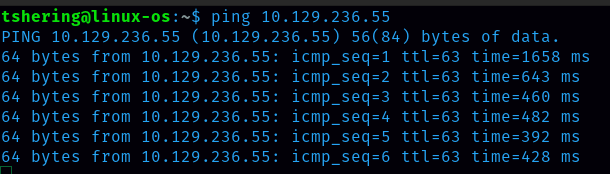
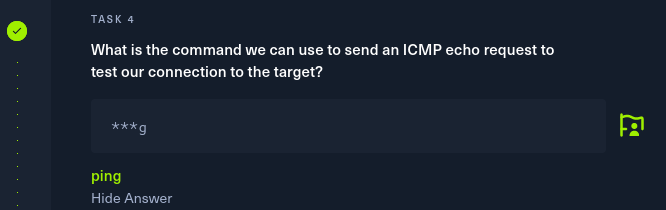
Task 4: What tool do we use to test our connection to the target with an ICMP echo request?
Ans: ping
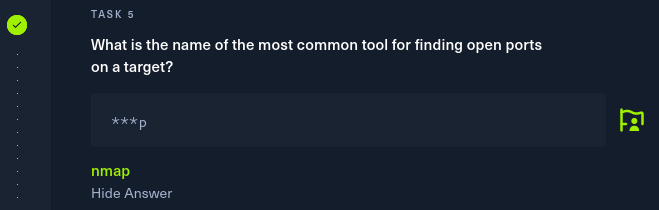
Task 5
Task 6: What service do we identify on port 23/tcp during our scans?
Ans: telnet
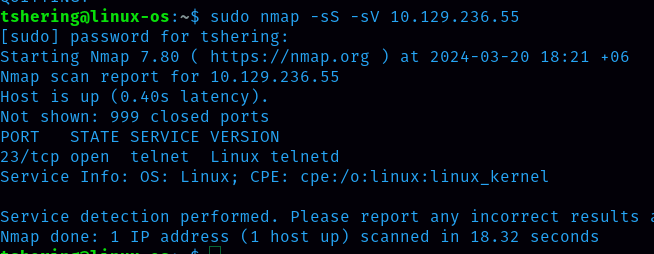
After scanning, on port 23/tcp I identify a telnet service . TELNET (TErminaL NETwork) is a type of protocol that enables one computer to connect to a local computer.
Task 7
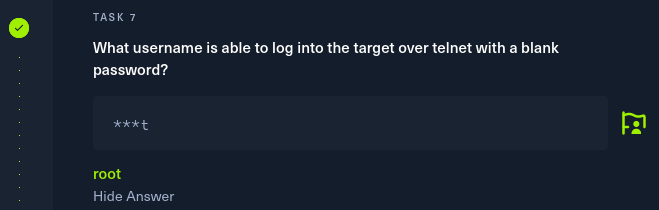
Task 8: Summit root flag
To CTF(capture the flag), I need to connect with the target machine IP address.
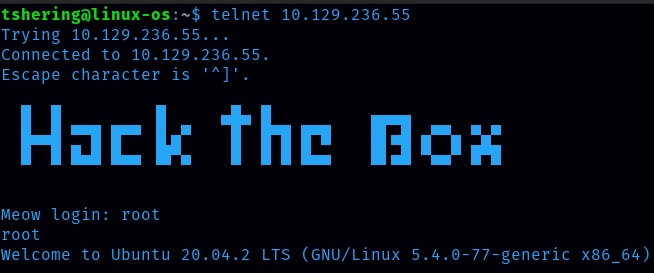
Root is the username that I can login with password. With the “ls” command, all the files and folders inside that directory will be displayed.
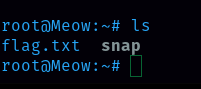
There is a flag.txt file, so to display the content inside that file the command is “cat”
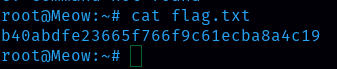
Flag is b40abdfe23665f766f9c61ecba8a4c19
2. Fawn
Task 1
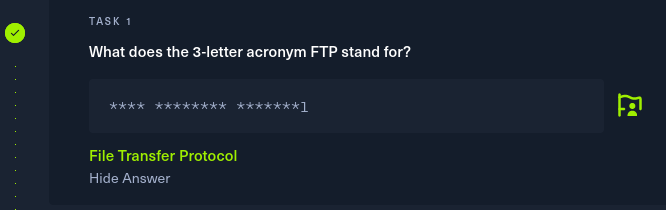
Task 2: Which port does the FTP service listen on usually?

Ans: 21
Task 3
Task 4
Task 5: From your scans, what version is FTP running on the target?
Ans: vsftpd 3.0.3
Task 6: From your scans, what OS type is running on the target?
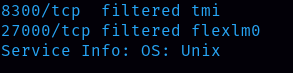
Ans: Unix
Task 7
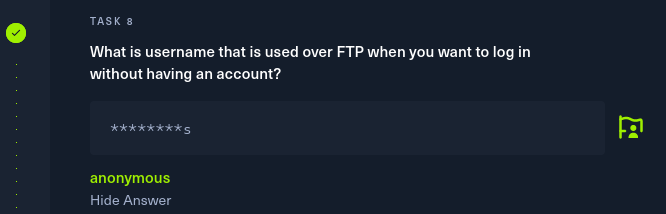
Task 8
Task 9: What is the response code we get for the FTP message ‘Login successful’?
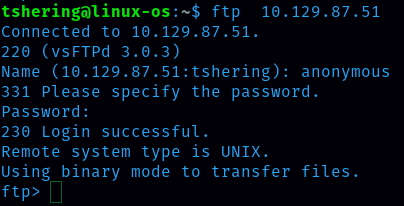
We have to login using the ftp command. As we covered in task 8, the username to log into ftp is anonymous and password is the default one i.e ‘password’.
Ans: 230
Task 10
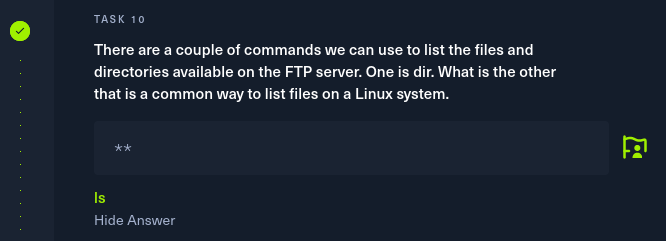
Task 11
Task 12 : Submit root flag

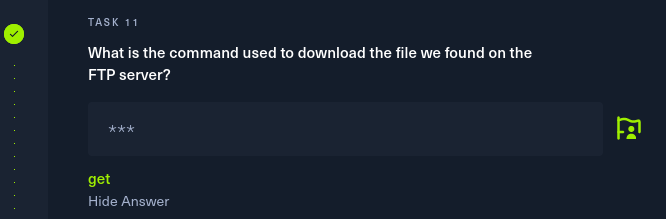
I listed the files and folders inside ftp and found that there is a flag.txt file but I can’t display that file with the ‘cat’ command, so as mentioned in the previous task, I can download it with the ‘get’ command.
Flag is 035db21c881520061c53e0536e44f815
3. Dancing
Task 1

Task 2: What port does SMB use to operate at?
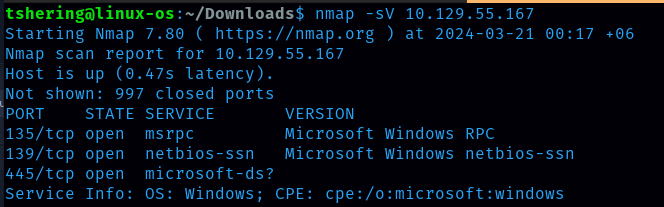
Ans: 445
Task 3: What is the service name for port 445 that came up in our Nmap scan?
Ans: microsoft-ds?
Task 4: What is the ‘flag’ or ‘switch’ that we can use with the smbclient utility to ‘list’ the available shares on Dancing?
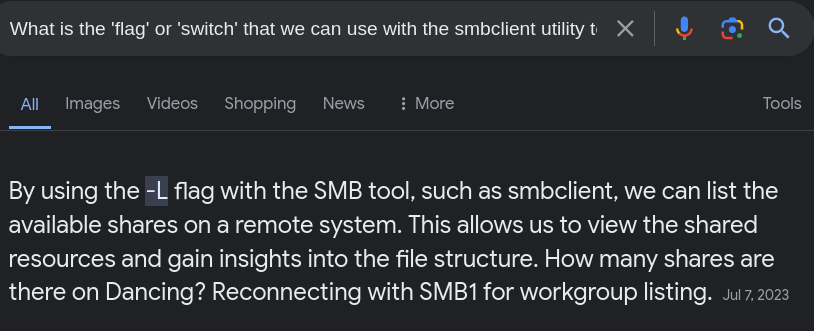
Ans: -L
Task 5: How many shares are there on Dancing?
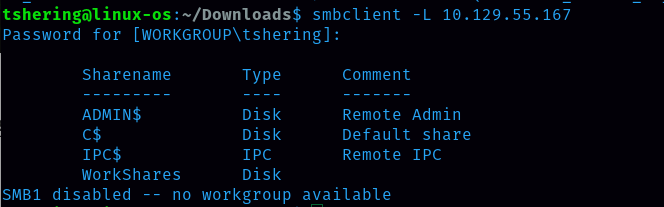
Ans: 4
Task 6

WorkShares is the only share without value under the comment column.
Task 7
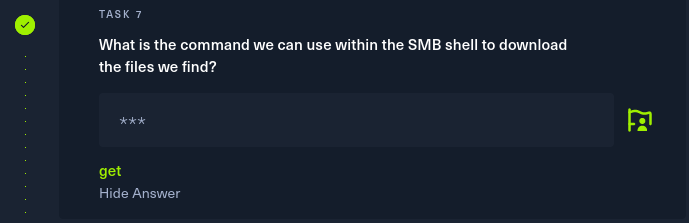
With the help command we can get all the applicable commands. I saw the ‘get’ command which is to download the files.
Task 8: Submit root flag
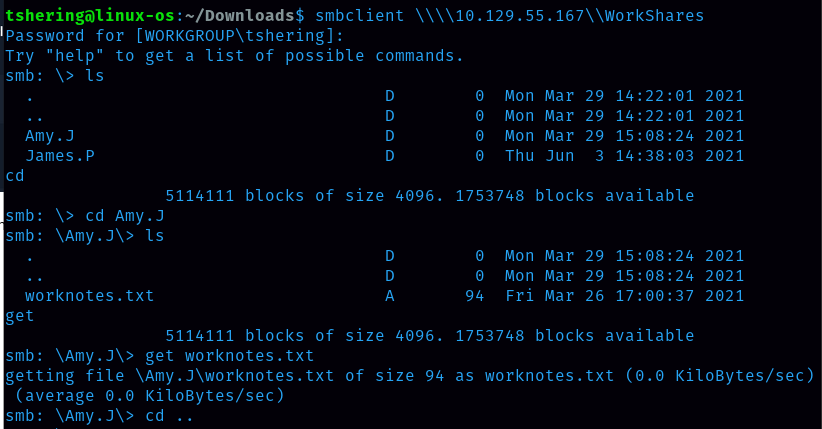
We can login to workshares as it doesn’t require a password, so i login to workshare.
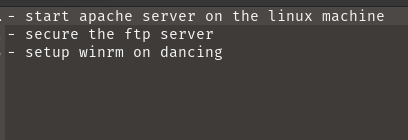
After connecting to the workshares i found 2 folders so I checked them one by one. Inside the Amy.J folder there is a worknotes.txt which contains the text shown below:
Then I opened the James.P folder, inside the James.p folder there is a flag.txt file so I downloaded it and got the flag.
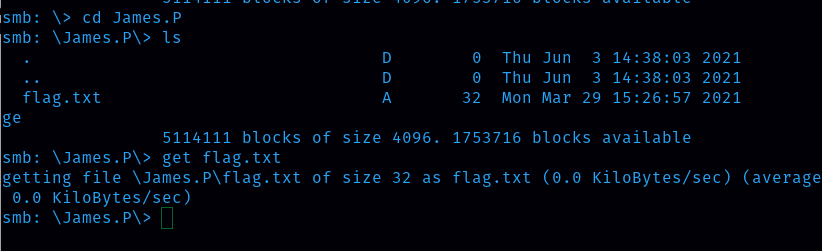
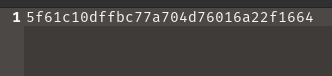
Flag is 5f61c10dffbc77a704d76016a22f1664
4. Redeemer
Task 1: Which TCP port is open on the machine?
Command is nmap -p- -sV target_ip_address but it is taking time so to solve this issue i can ran this command : nmap -p- –min-rate 5000 -sV ip_address

Ans: 6379
Task 2: Which service is running on the port that is open on the machine?
Ans: redis
(Redis(REmote DIctionary Server) is an open-source, in-memory data store used by millions of developers as a cache, vector database, document database, streaming engine, and message broker.)
Task 3
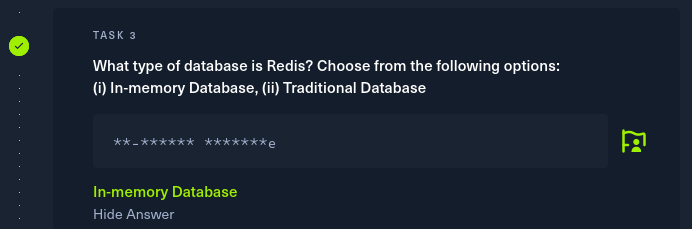
Task 4: Which command-line utility is used to interact with the Redis server? Enter the program name you would enter into the terminal without any arguments.
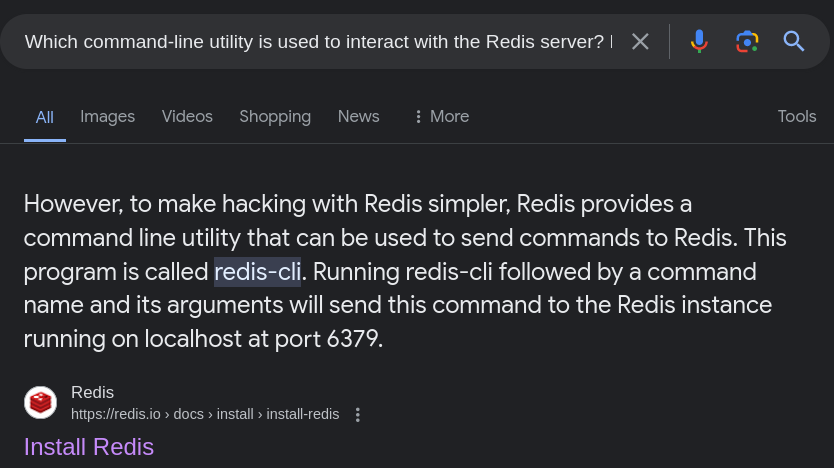
Ans: redis-cli (As a software engineering student i should be good at googling too 🙂)
Task 5: Which flag is used with the Redis command-line utility to specify the hostname?

Ans: -h
Task 6

Task 7: What is the version of the Redis server being used on the target machine?

I used info command to get all information about redis server Ans: 5.0.7
Task 8
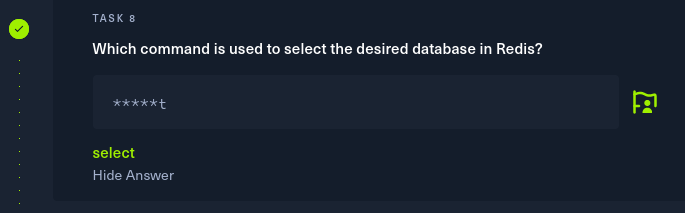
Task 9: How many keys are present inside the database with index 0?

Scrolling down I found the keyspace section where the number of keys present are given.
Ans: 4
Task 10: Which command is used to obtain all the keys in a database?
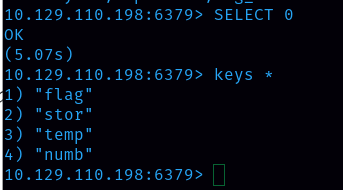
After selecting the database, we can list all the keys present in the database using the command keys * Ans: keys *
Task 11: Submit root flag
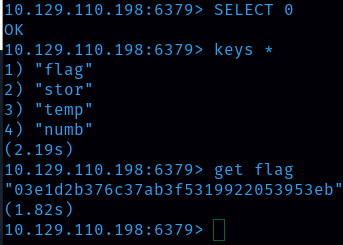
Flag is 03e1d2b376c37ab3f5319922053953eb
TIER 1 (You need to walk before you can run)
Tier 1 is going deeper into the world of cybersecurity pen-testing, focusing on web exploitation techniques. I learn basic web exploitation techniques such as SQL injection and server side template Injection. Building on the knowledge from tier 0, I have applied these techniques to exploit various services showcased earlier, ensuring a hands-on understanding of their vulnerabilities.So the virtual machines that I will be going through in this tier are Appointment, Sequel, Crocodile and Responder.
1. Appointment
Task 1
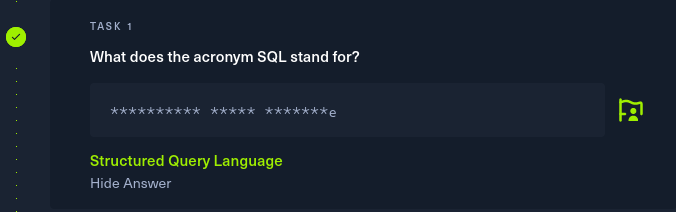
SQL is a standard language for accessing and manipulating databases
Task 2
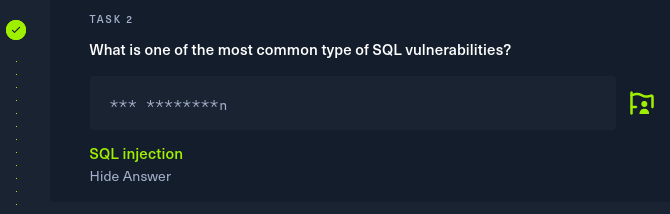
SQL injection (SQLi) is a web security vulnerability that allows an attacker to interfere with the queries that an application makes to its database. This can allow an attacker to view data that they are not normally able to retrieve.
Task 3

Task 4: What does Nmap report as the service and version that are running on port 80 of the target?
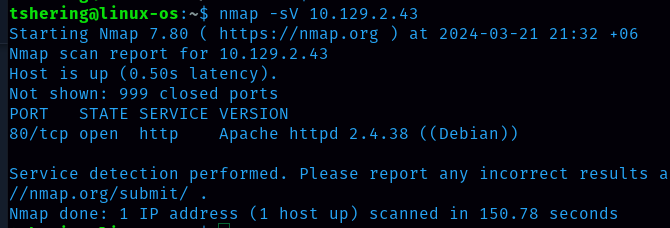
Ans: Apache httpd 2.4.38 ((Debian))
Task 5: What is the standard port used for the HTTPS protocol?
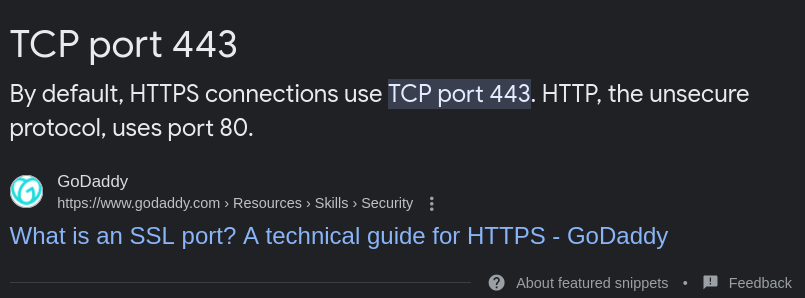
Ans: 443
Task 6
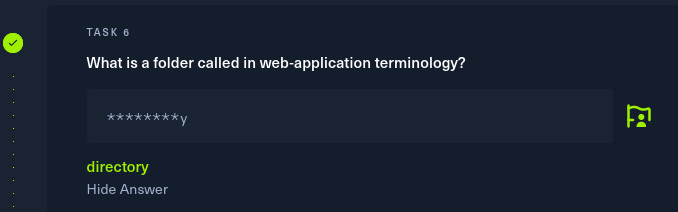
Folders are also called “directories,”
Task 7
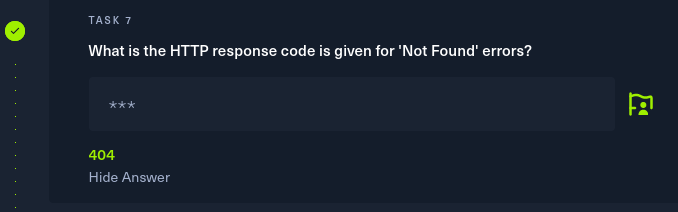
HTTP response status codes indicate whether a specific HTTP request has been successfully completed.
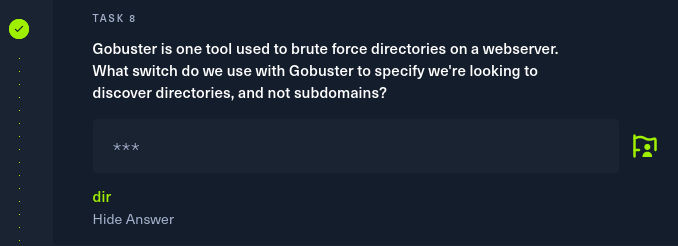
Task 8
Task 9
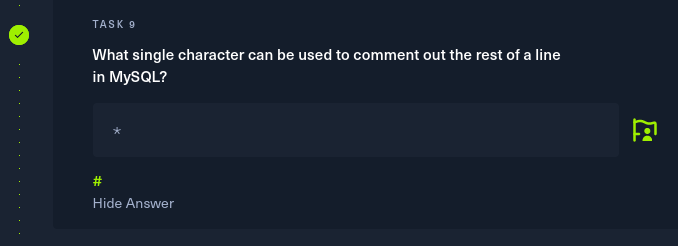
Task 10: If user input is not handled carefully, it could be interpreted as a comment. Use a comment to login as admin without knowing the password. What is the first word on the web page returned?
I pasted the machine ip address on the website and got this.
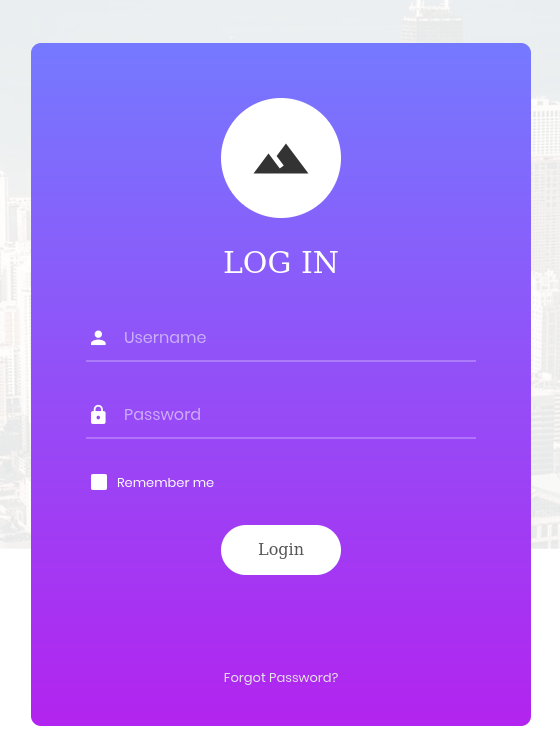
Now to login i need username name and password which i don’t know but i can use sql injection to login. In this case, I can log in as any user without the need for a password by using the SQL comment(#).
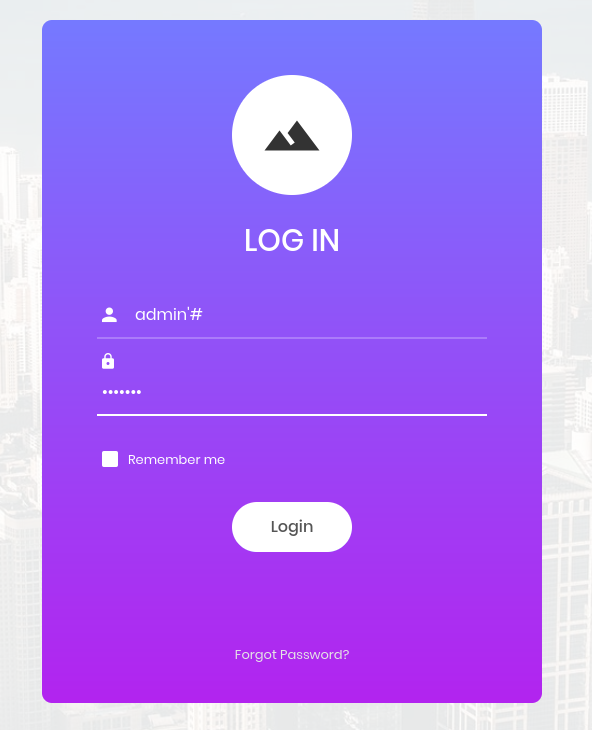
After # anything I type in the password section will be ignored. Then I will successfully login.

Ans for task 10: Congratulations
Flag is e3d0796d002a446c0e622226f42e9672
2. Sequel
Task 1: During our scan, which port do we find serving MySQL?
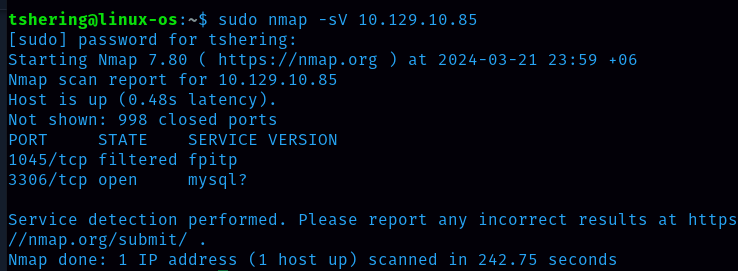
Ans: 3306
Task 2: What community-developed MySQL version is the target running?
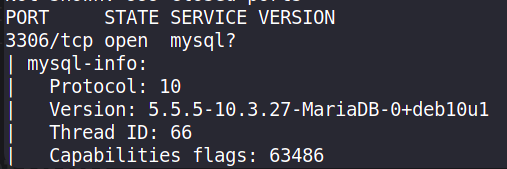
Ans: MariaDB
Task 3
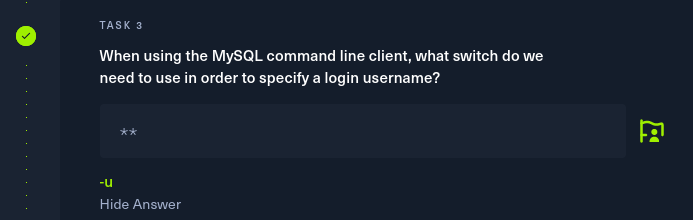
Task 4

Task 5

Task 6
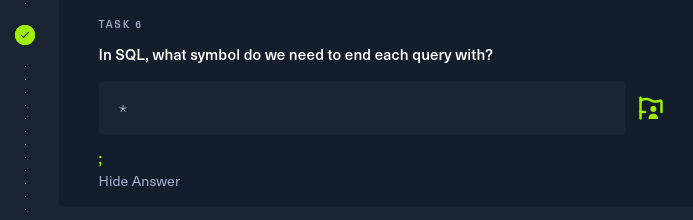
Task 7: There are three databases in this MySQL instance that are common across all MySQL instances. What is the name of the fourth that’s unique to this host? First I logged in to mysql.

Then I visualized the database and found four databases, among them the htb database is unique to this host.
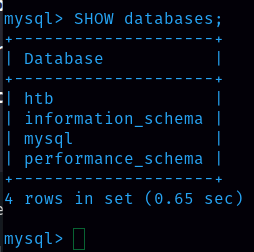
Ans: htb
To CTF, I have to use the htb database.

After that I want to see what tables are there inside the htb database. There are two tables, config and user.

Next I went through each table, and got a flag in the config table.
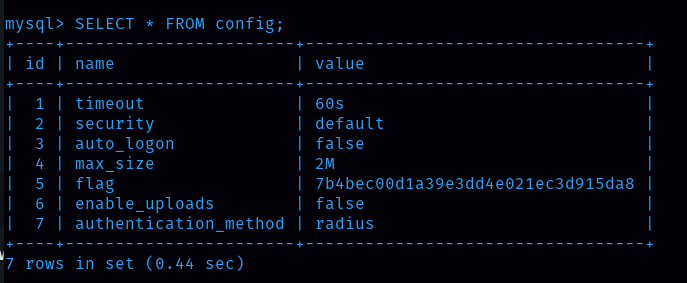
Flag is 7b4bec00d1a39e3dd4e021ec3d915da8
3. Crocodile
Task 1
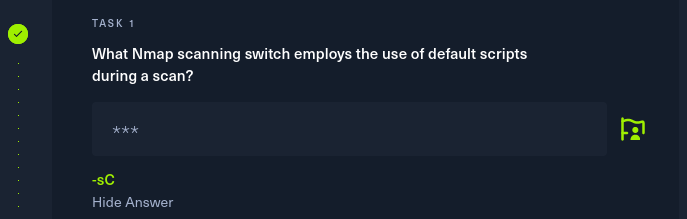
Task 2: What service version is found to be running on port 21?

Ans: vsftpd 3.0.3
Task 3: What FTP code is returned to us for the “Anonymous FTP login allowed” message?
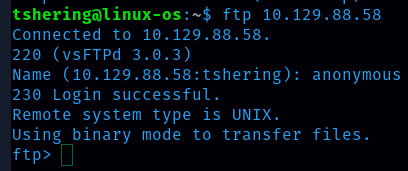
Ans: 230
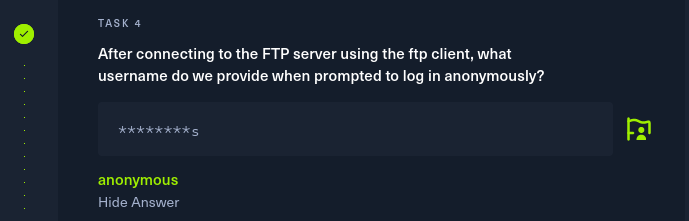
Task 4 With the username anonymous we can login anonymously. That’s what I did in task 3.
Task 5
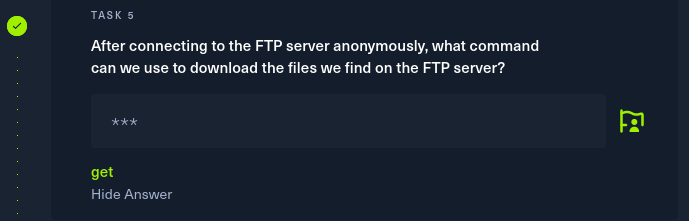
With the help function we can find the available command, in ftp there is ‘get’ command to download the file.
Task 6: What is one of the higher-privilege sounding usernames in ‘allowed.userlist’ that we download from the FTP server?
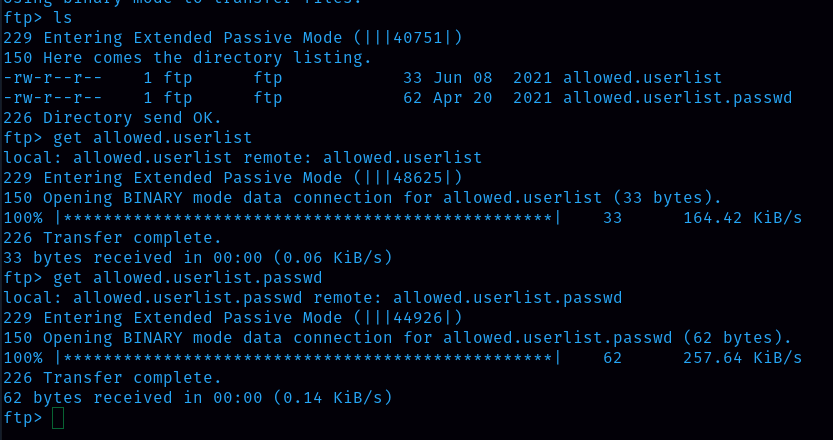
First I listed the files and folders inside ftp and found that allowed.userlist is there and I downloaded it .
When I opened the allowed.userlist file I found that admin has a higher-privilege.
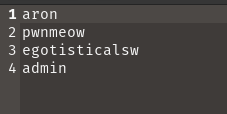
Ans: admin
Task 7: What version of Apache HTTP Server is running on the target host?
Ans: Apache httpd 2.4.41
Task 8
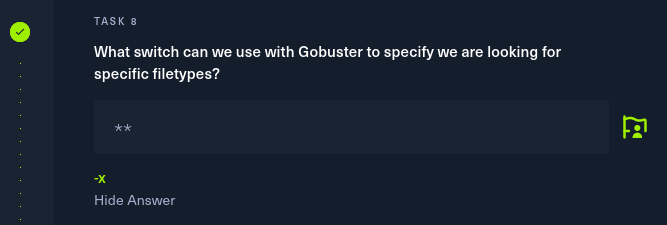
Task 9
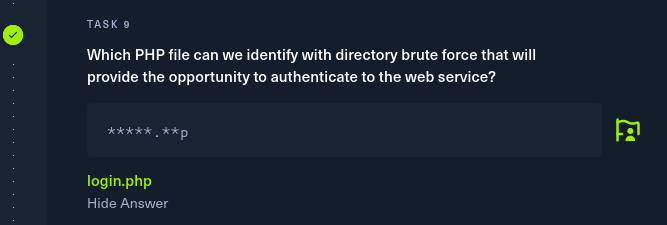
To CTF, we should paste the machine ip address in the website followed by login.phh to land on the login page. (ip_address/login.php)
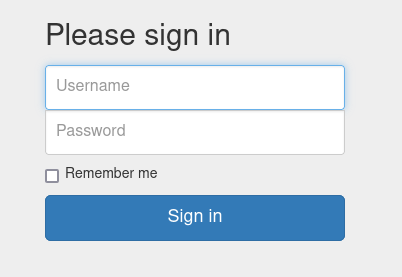
From the allowed.userlist we earlier found that username admin is high privilege, so we will use username admin. And the password is in allowed.userlist.passwd file.

Password for user admin is rKXM59ESxesUFHAd.
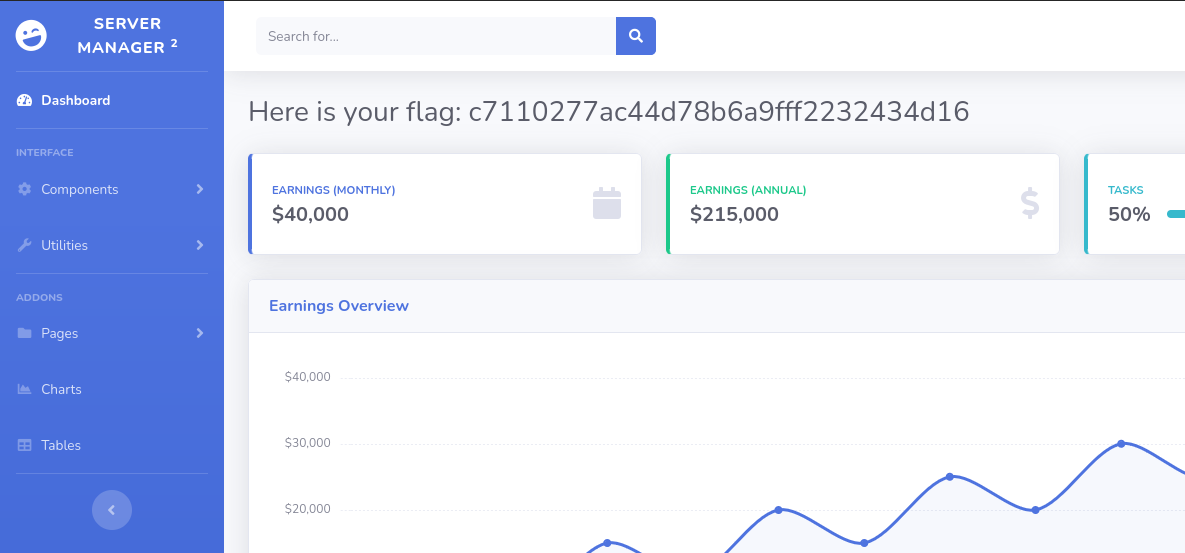
We got our flag. Flag is c7110277ac44d78b6a9fff2232434d16
4. Responder
Task 1: When visiting the web service using the IP address, what is the domain that we are being redirected to?
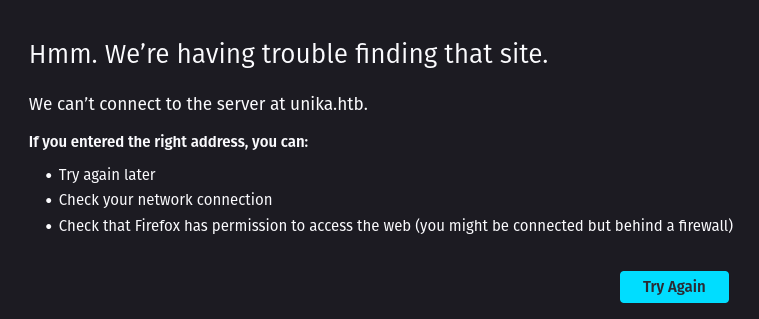
Ans: unika.htb
Task 2: Which scripting language is being used on the server to generate web pages?
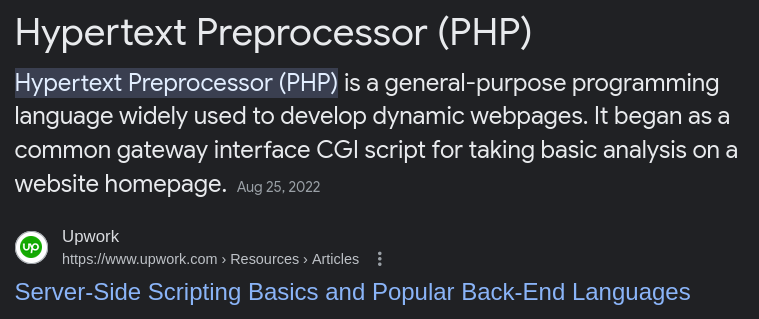
Ans: php
Task 3

Task 4
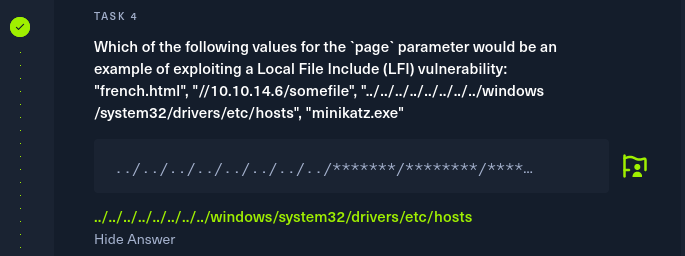
Task 5
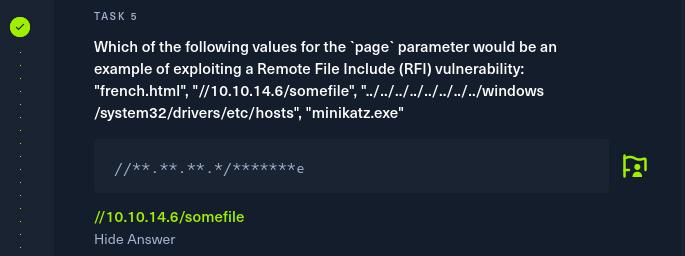
Task 6
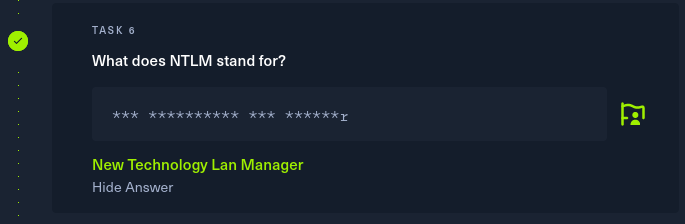
Task 7
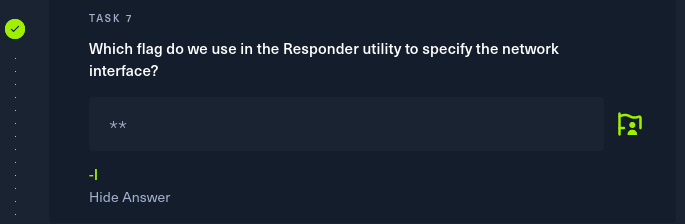
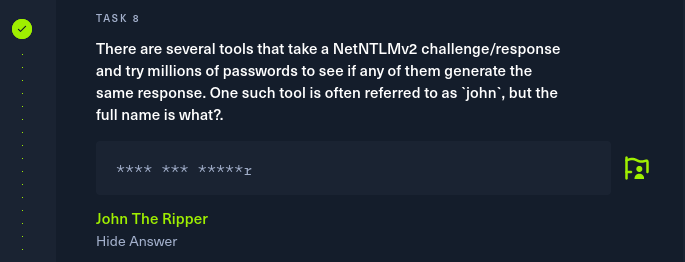
Task 8
Task 9: What is the password for the administrator user?
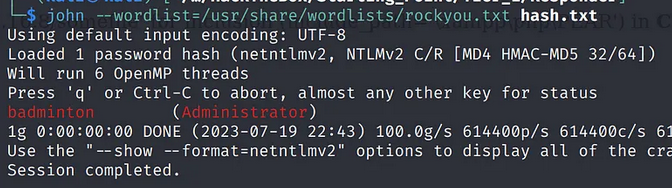
Ans: badminton
Task 10: We’ll use a Windows service (i.e. running on the box) to remotely access the Responder machine using the password we recovered. What port TCP does it listen on?
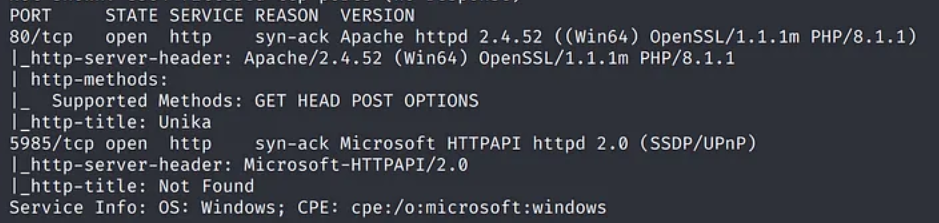
Ans: 5985
Conclusion
Going through each machine, I have learned something new about pen testing and got real world hacking experiences. I make good use of google when i am stuck, and i say googling is also a part of software engineering skills. So lastly I quote”My crime is that of curiosity”.